How to create a team and add members to the team and assign a user as team leader/Manager?
Follow the steps to create a team and assign members to the team and assign a person as team lead or manager.
Step 1:
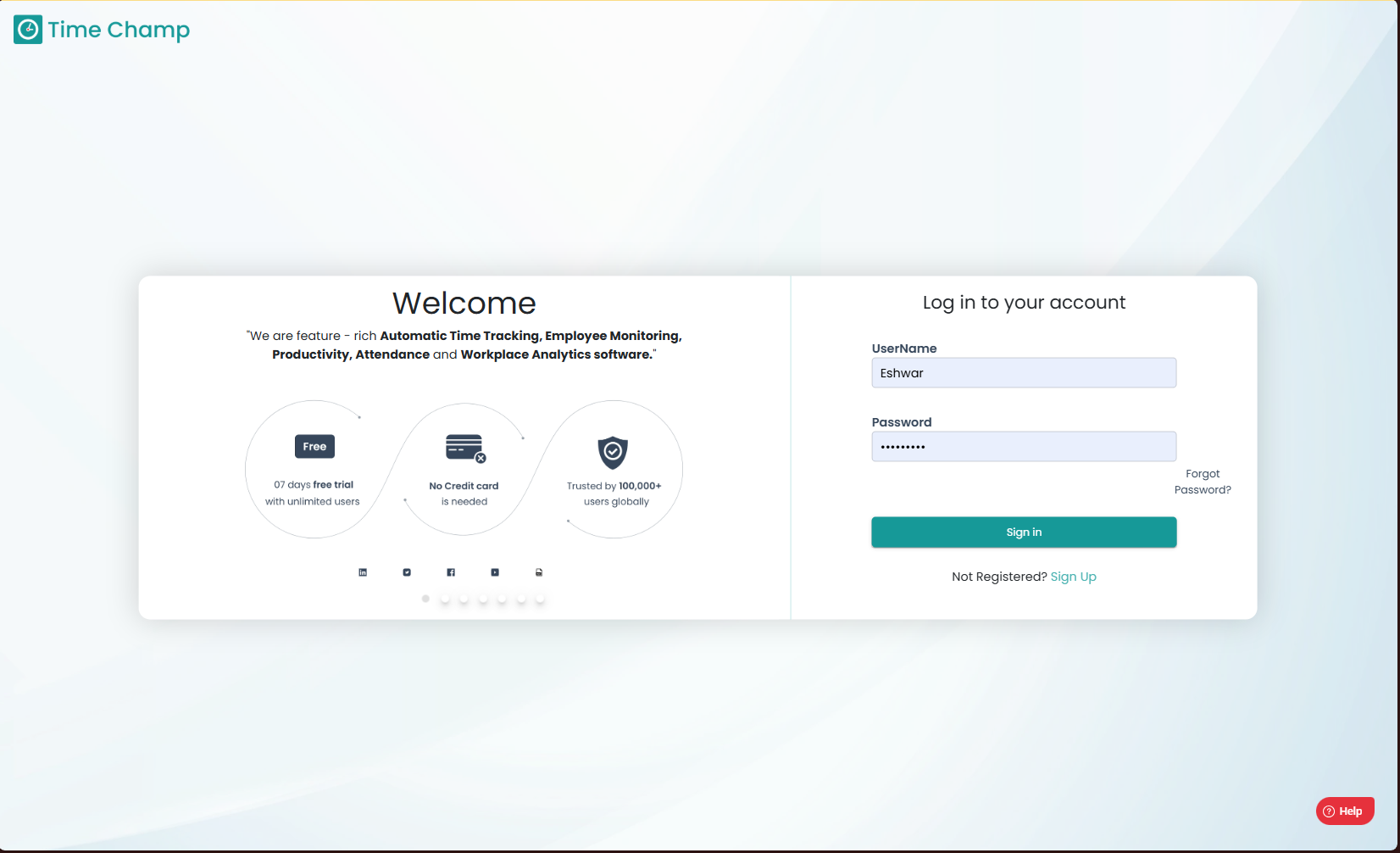
Log into the site utilizing your credentials.
Step 1:
Log into the site utilizing your credentials.
Step 2:
Navigate to the Administration Module and then to the Teams section.
Navigate to the Administration Module and then to the Teams section.
Step 3:
Now you can view the add team option in the highlighted area as shown in the below image.
Now you can view the add team option in the highlighted area as shown in the below image.
Step 4:
Now you can enter the name of the team and click add to create a team.
Step 5:
After the team is created, click on edit for the newly created team as show in the highlighted area in the below image.
After the team is created, click on edit for the newly created team as show in the highlighted area in the below image.
Step 6:
Now you select the add team member option as shown in the highlighted area in the below image.
Step 7:
Now you can select the users and click on add to add these users into the team.

Please note that to assign a team leader or manager, the specific user must first be a member of the team. Ensure that the user is added to the team before proceeding to the next step.
Step 8:
Now to assign a team leader or manager to the team, navigate to the user section under administration module as shown in the below image
Step 9:
Next identify the user you would like to add as team leader or manager and click on edit as shown in the image below.
Step 10:
Now you can provide the team leader permission by selecting the checkmark for the specific team and click on save.
Ensure that all modifications are saved upon completion; unsaved changes will not take effect.
Related Articles
How to Assign Line Manager to Users?
Follow the steps to add a line manager to a user. Step 1: Log into the site utilizing your credentials. Step 2: Navigate to the Administration Module and then to the Users section. Step 3: Now you can view the edit user option in the highlighted area ...How to Add a Team?
Follow the steps to add a team. Step 1: Log into the site utilizing your credentials. Step 2: Navigate to the Administration Module and then to the Teams section. Step 3: Now you can view the add team option in the highlighted area as shown in the ...How to add users to a Team?
Follow the steps to add a user to a team. Step 1: Log into the site utilizing your credentials. Step 2: Navigate to the Administration Module and then to the Teams section. Step 3: Now you can view the edit option in the highlighted area in the below ...How to Change User Team?
Follow the steps to edit user team. Step 1: Log into the site utilizing your credentials. Step 2: Navigate to the Administration Module and then to the Users section. Step 3: Now you can click Edit as shown in the highlighted area in the below image. ...How to Edit User details (Name, User ID, Username, User Email, Mobile Number, Role, Team Name, Department, Line Manager, Location, Time Zone)?
Follow the steps to edit user details. Step 1: Log into the site utilizing your credentials. Step 2: Navigate to the Administration Module and then to the Users section. Step 3: Now you can click Edit as shown in the highlighted area in the below ...