How to edit a Department?
Follow the steps to edit a department.
Step 1:
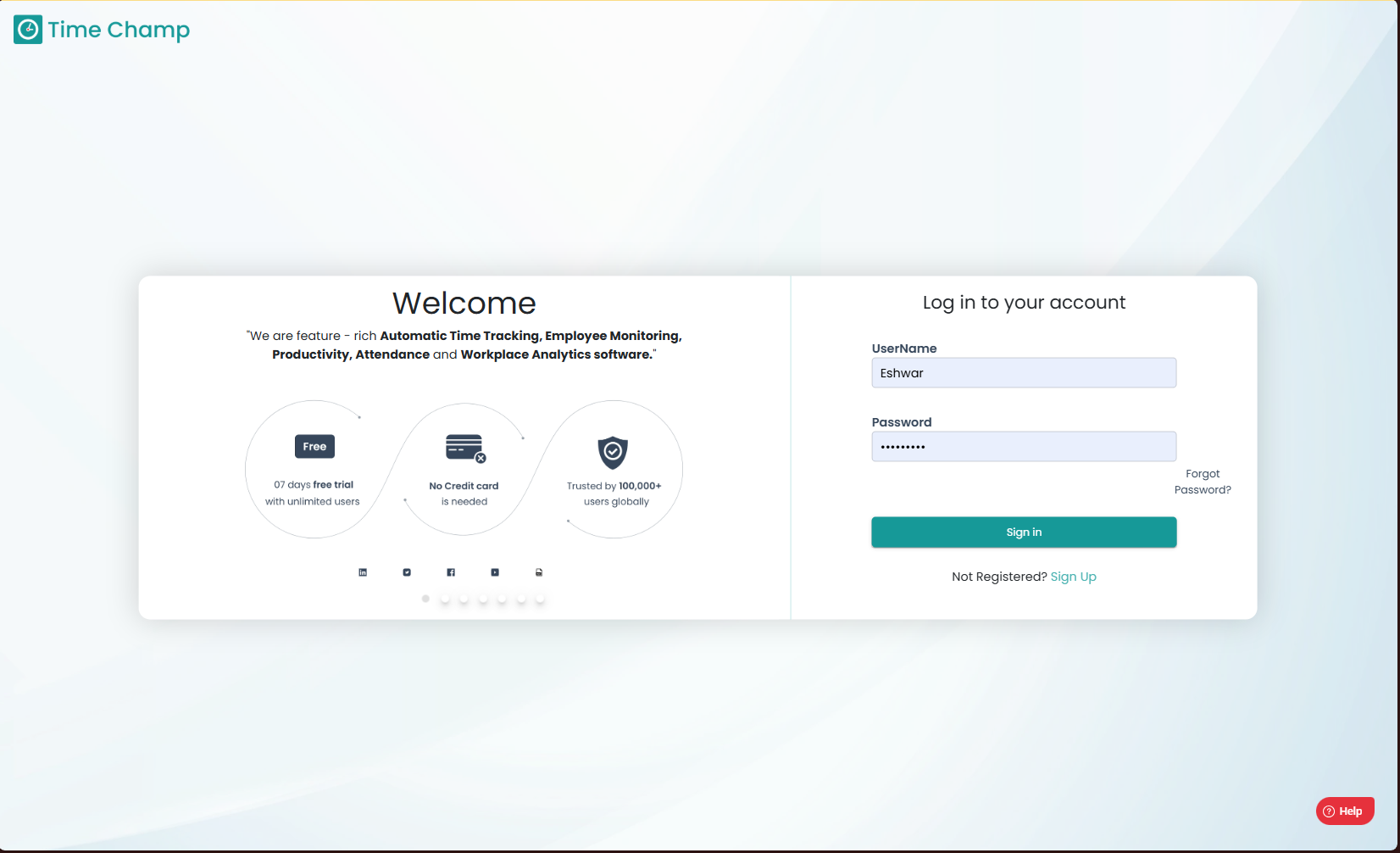
Log into the site utilizing your credentials.
Step 1:
Log into the site utilizing your credentials.
Step 2:
Navigate to the Administration Module and then to the Departments section.
Navigate to the Administration Module and then to the Departments section.
Step 3:
Now you can view the edit department option in the highlighted area.
Now you can view the edit department option in the highlighted area.
Step 4:
Now you can edit the department name and save it.
Related Articles
How to Change User Department?
Follow the steps to edit user department. Step 1: Log into the site utilizing your credentials. Step 2: Navigate to the Administration Module and then to the Users section. Step 3: Now you can click Edit as shown in the highlighted area in the below ...How to Edit User details (Name, User ID, Username, User Email, Mobile Number, Role, Team Name, Department, Line Manager, Location, Time Zone)?
Follow the steps to edit user details. Step 1: Log into the site utilizing your credentials. Step 2: Navigate to the Administration Module and then to the Users section. Step 3: Now you can click Edit as shown in the highlighted area in the below ...How to edit Behavior alerts?
Follow the steps to edit a behavior alert. Step 1: Log into the site utilizing your credentials. Step 2: Navigate to the Administration Module and then to the Behavior alerts section. Step 3: Click on edit as show in the highlighted area in the below ...How to edit a Schedule?
Follow the steps to edit a Schedule. Step 1: Log into the site utilizing your credentials. Step 2: Navigate to the Reports Module and then to the Schedules section. Step 3: Click on edit as shown in the highlighted area in the below image to make ...How to Add a department?
Follow the steps to add a department. Step 1: Log into the site utilizing your credentials. Step 2: Navigate to the Administration Module and then to the Departments section. Step 3: Now you can view the add department option in the highlighted area. ...