How to Unarchive a department?
Follow the steps to unarchive a department.
Step 1:
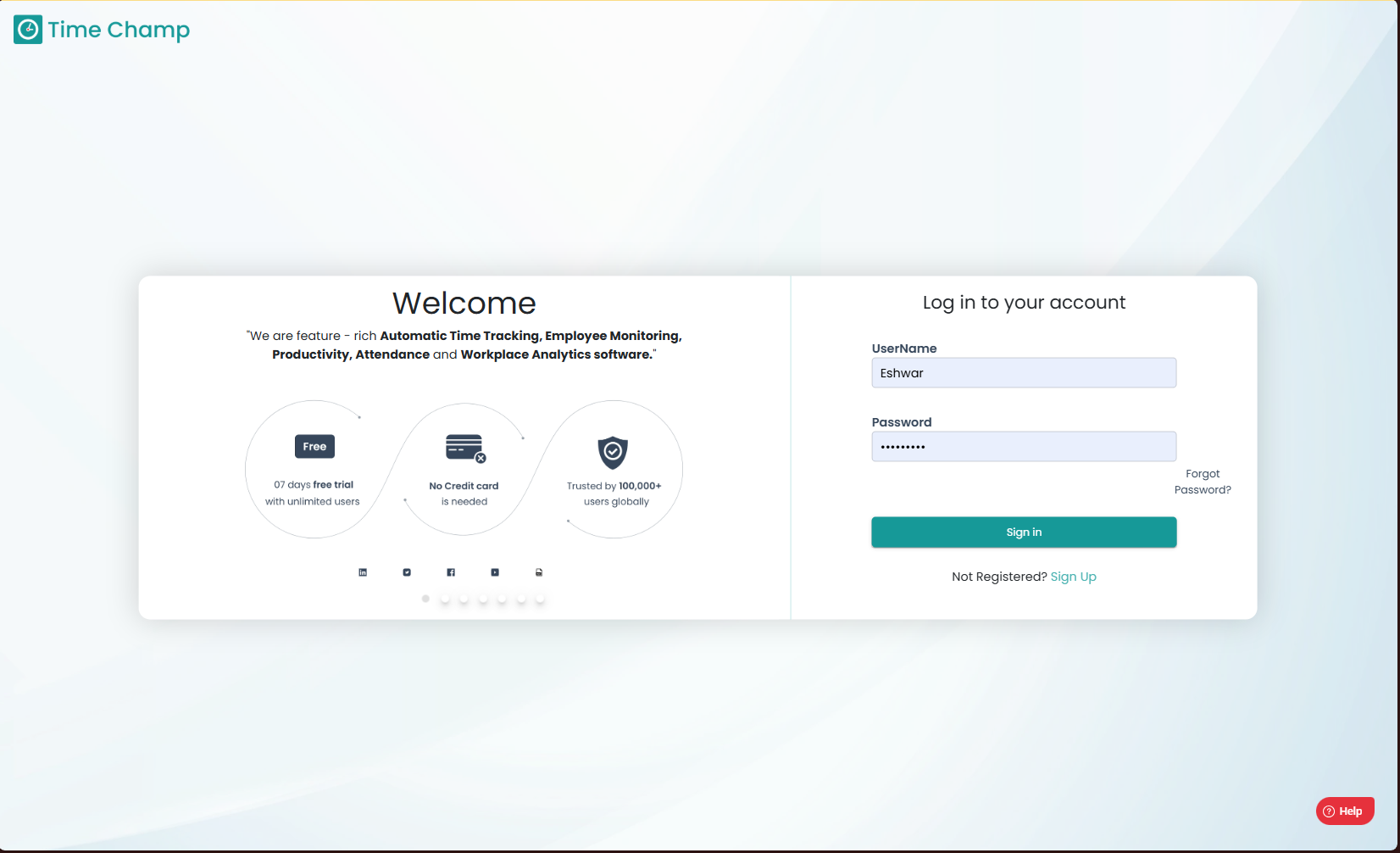
Log into the site utilizing your credentials.
Step 1:
Log into the site utilizing your credentials.
Step 2:
Navigate to the Administration Module and then to the Departments section.
Navigate to the Administration Module and then to the Departments section.
Step 3:
Now you can switch to the unarchive departments view by clicking inactive departments in the highlighted area.
Now you can switch to the unarchive departments view by clicking inactive departments in the highlighted area.
Step 4:
Now you can view the unarchive department option in the highlighted area.
Step 5:
Here in the highlighted area in the below image, you can click yes to unarchive the department.
Related Articles
How to Unarchive an archived team?
Follow the steps to unarchive a team. Step 1: Log into the site utilizing your credentials. Step 2: Navigate to the Administration Module and then to the Teams section. Step 3: Now you can view the Show inactive teams option in the highlighted area ...How to Unarchive an Application Group?
Follow the steps to unarchive an Application Group. Step 1: Log into the site utilizing your credentials. Step 2: Navigate to the Productivity Module and then to the Configure Apps section. Step 3: Navigate to the Application Groups Sub Section as ...How to Unarchive an archived Category?
Follow the steps to unarchive an archived category. Step 1: Log into the site utilizing your credentials. Step 2: Navigate to the Productivity Module and then to the Configure Apps section. Step 3: Navigate to the Application Groups Sub Section as ...How to Add a department?
Follow the steps to add a department. Step 1: Log into the site utilizing your credentials. Step 2: Navigate to the Administration Module and then to the Departments section. Step 3: Now you can view the add department option in the highlighted area. ...How to edit a Department?
Follow the steps to edit a department. Step 1: Log into the site utilizing your credentials. Step 2: Navigate to the Administration Module and then to the Departments section. Step 3: Now you can view the edit department option in the highlighted ...