How to Add a department?
Follow the steps to add a department.
Step 1:
Log into the site utilizing your credentials.
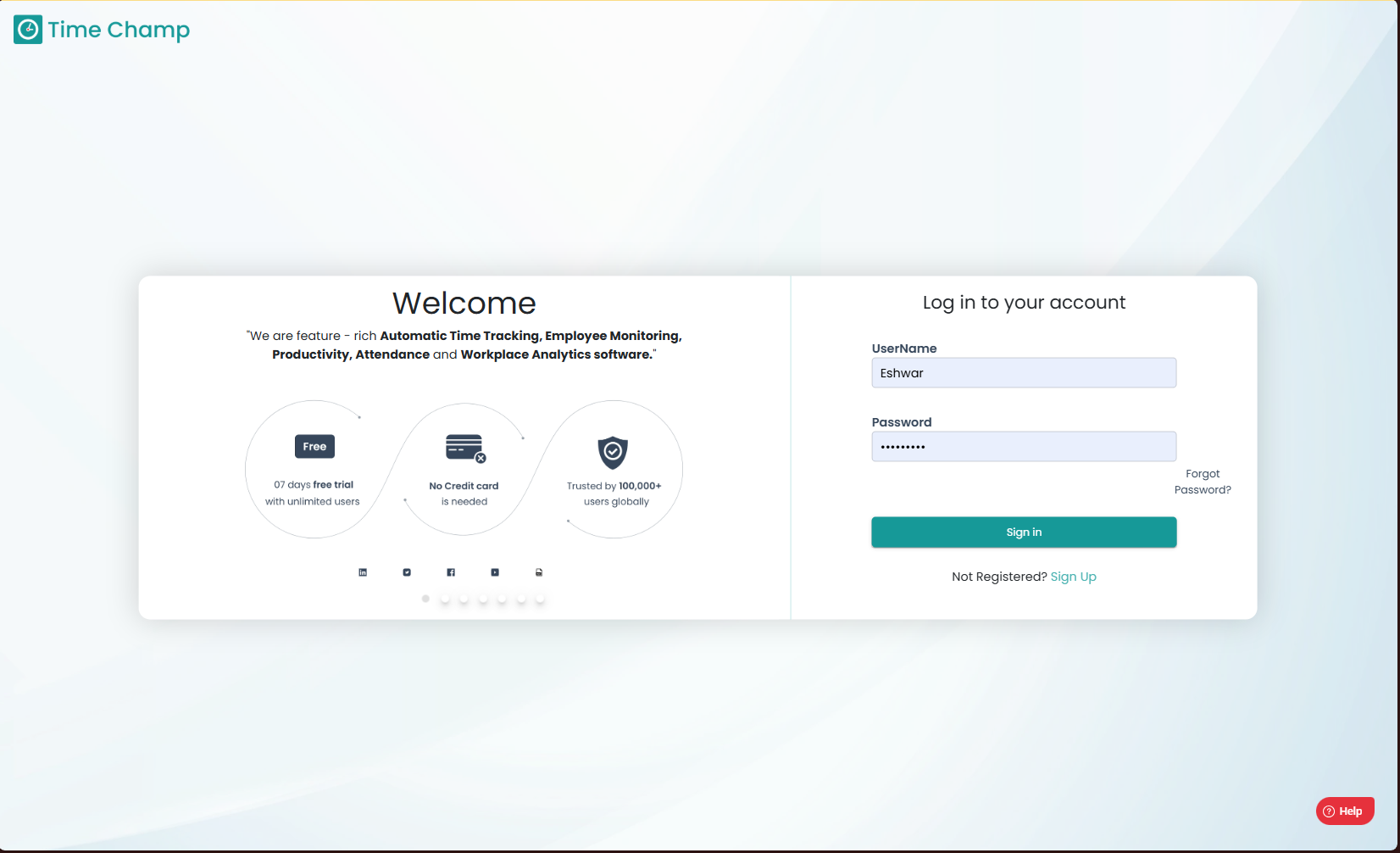
Step 1:
Log into the site utilizing your credentials.
Step 2:
Navigate to the Administration Module and then to the Departments section.
Navigate to the Administration Module and then to the Departments section.
Step 3:
Now you can view the add department option in the highlighted area.
Now you can view the add department option in the highlighted area.
Step 4:
Now you can enter the department name and add it.
Related Articles
How to edit a Department?
Follow the steps to edit a department. Step 1: Log into the site utilizing your credentials. Step 2: Navigate to the Administration Module and then to the Departments section. Step 3: Now you can view the edit department option in the highlighted ...How to Unarchive a department?
Follow the steps to unarchive a department. Step 1: Log into the site utilizing your credentials. Step 2: Navigate to the Administration Module and then to the Departments section. Step 3: Now you can switch to the unarchive departments view by ...How to Archive a department?
Follow the steps to archive a department. Step 1: Log into the site utilizing your credentials. Step 2: Navigate to the Administration Module and then to the Departments section. Step 3: Now you can view the archive department option in the ...How to Change User Department?
Follow the steps to edit user department. Step 1: Log into the site utilizing your credentials. Step 2: Navigate to the Administration Module and then to the Users section. Step 3: Now you can click Edit as shown in the highlighted area in the below ...How to add Users?
Follow the steps to add a user. Step 1: Log into the site utilizing your credentials. Step 2: Navigate to the Administration Module and then to the Users section. Step 3: Now you can view the add user option in the highlighted area. Upon clicking you ...