How to manually add an application/URL and set an application group to the new application/URL?
Follow the steps to manually add an application/URL and set an application group to the new application/URL.
Step 1:
Log into the site utilizing your credentials.
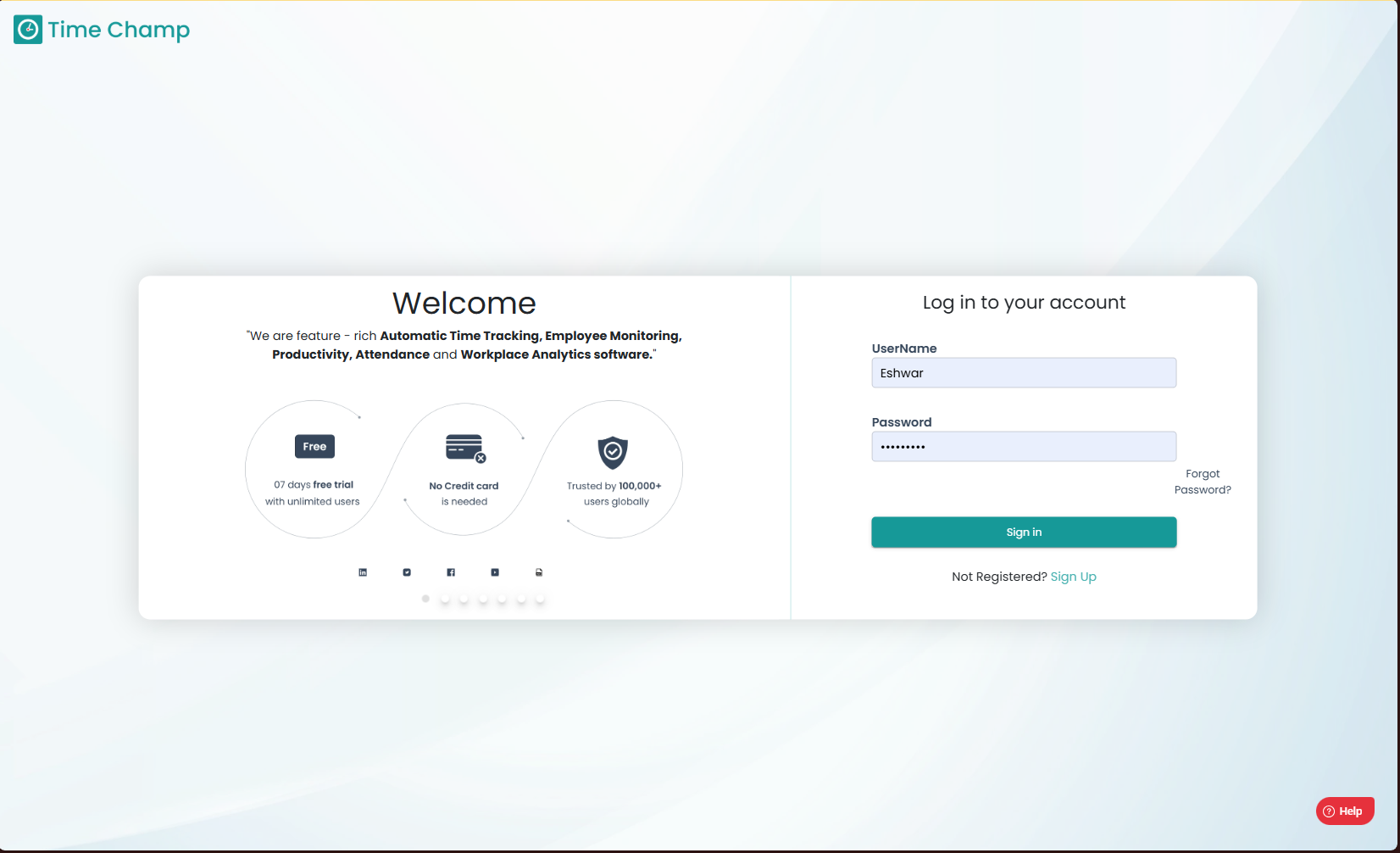
Log into the site utilizing your credentials.
Step 2:
Navigate to the Productivity Module and then to the Configure Apps section.
Navigate to the Productivity Module and then to the Configure Apps section.
Step 3:
Navigate to the Mapping Sub Section as shown in the highlighted are in the image below.
Navigate to the Mapping Sub Section as shown in the highlighted are in the image below.
Step 4:
Click on add new rule as shown in the highlighted are in the image below.
Click on add new rule as shown in the highlighted are in the image below.
Step 5:
Now you can enter the Application file name or the exe file name/ the URL link in the highlighted area in the below image along with the application group you would like to keep the application/URL in and click on add.
Now you can enter the Application file name or the exe file name/ the URL link in the highlighted area in the below image along with the application group you would like to keep the application/URL in and click on add.
Related Articles
How to assign application group to a new/existing app/URL and set the productivity status?
Follow the steps to assign an app or URL to an application group and assign the productivity status of that application group. An application cannot be directly marked as productive, non-productive, or neutral. It must first be assigned to an ...How to add a new Application Group?
Follow the steps to add a new application group. Step 1: Log into the site utilizing your credentials. Step 2: Navigate to the Productivity Module and then to the Configure Apps section. Step 3: Navigate to the Application Groups Sub Section as shown ...How to change the application group of an Application/URL?
Follow the steps to change the application group of a mapped application/URL. Step 1: Log into the site utilizing your credentials. Step 2: Navigate to the Productivity Module and then to the Configure Apps section. Step 3: Navigate to the Mapping ...How to add a new Category?
Follow the steps to add a new category. Step 1: Log into the site utilizing your credentials. Step 2: Navigate to the Productivity Module and then to the Configure Apps section. Step 3: Navigate to the Application Groups Sub Section as shown in the ...How to change the idle time for applications or sites present within an application group in a productive profile?
Follow the steps to add new productivity profile. Step 1: Log into the site utilizing your credentials. Step 2: Navigate to the Productivity Module and then to the Configure Apps section. Step 3: Navigate to the Productivity Profile Sub Section. Step ...