How to view Activity Levels in Monitoring?
Follow the steps to view Activity Levels of a user in Monitoring Module.
Step 1:
Log into the site utilizing your credentials.
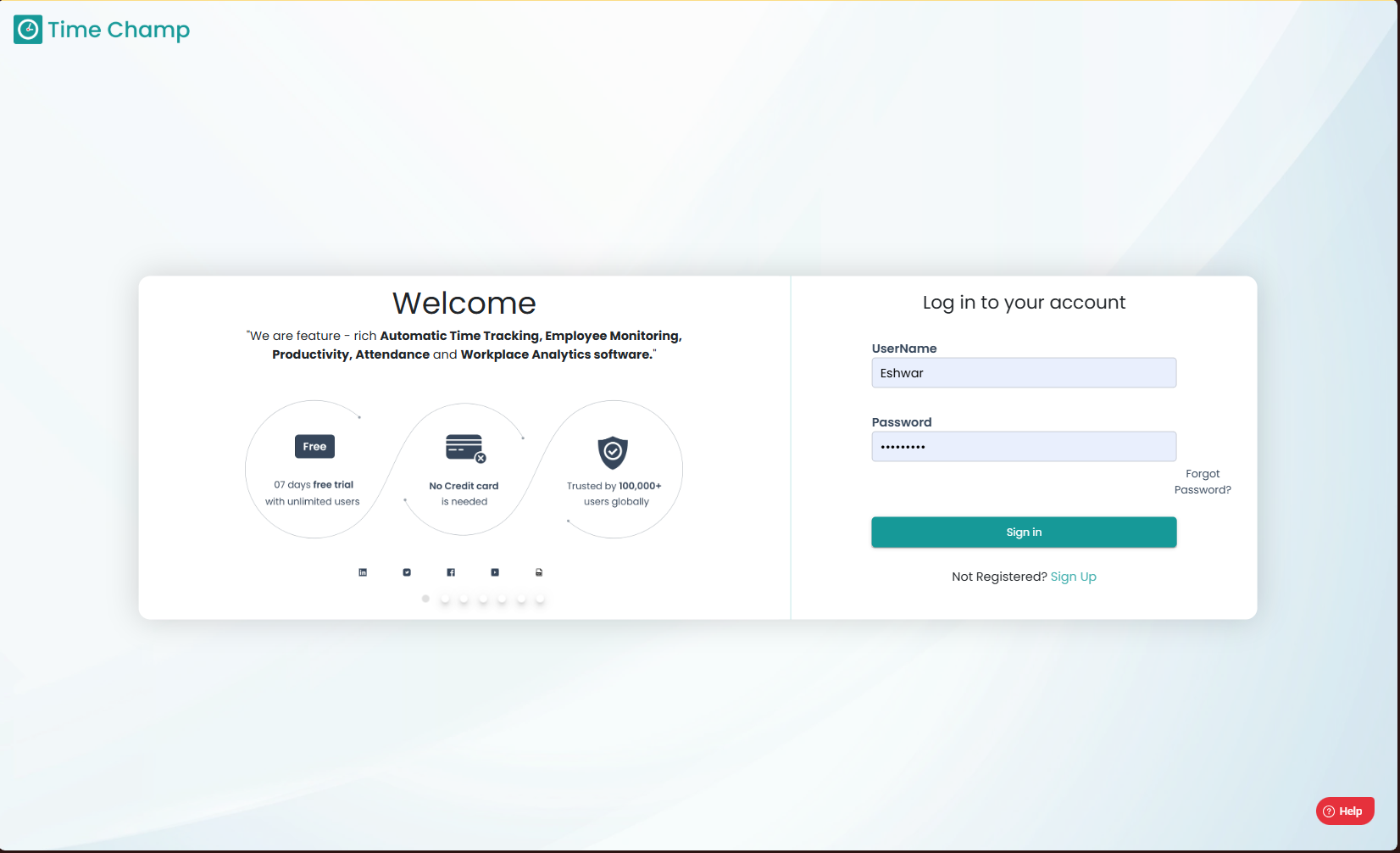
Log into the site utilizing your credentials.
Step 2:
Navigate to the Monitoring Module and then to the Activity Levels section.
Navigate to the Monitoring Module and then to the Activity Levels section.
Step 3:
Here you can view the Detailed Keystrokes and Mouse Clicks data as shown in the highlighted area of the below image.

Here you can view the Detailed Keystrokes and Mouse Clicks data as shown in the highlighted area of the below image.
Step 4:
Hovering over the data you can view the Detailed Keystrokes and Mouse Clicks amount data as shown in the highlighted area of the below image.

Step 5:
The lower half contains the detailed activity data including the time, date, description and title as shown in the highlighted area in the below image.

Hovering over the data you can view the Detailed Keystrokes and Mouse Clicks amount data as shown in the highlighted area of the below image.
Step 5:
The lower half contains the detailed activity data including the time, date, description and title as shown in the highlighted area in the below image.