How to delete a productivity profile?
Follow the steps to delete a productivity profile.
Step 1:
Log into the site utilizing your credentials.
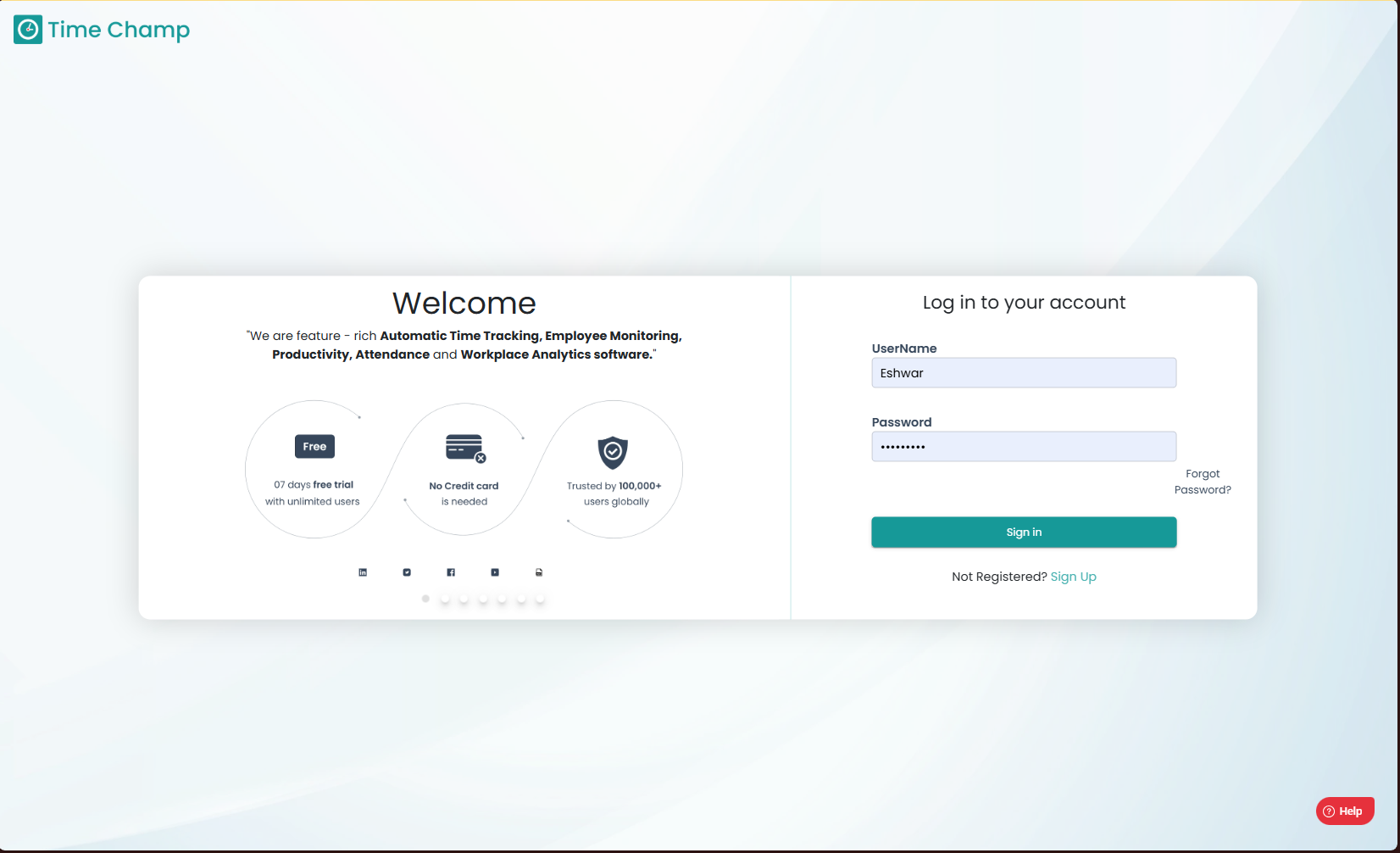
Log into the site utilizing your credentials.
Step 2:
Navigate to the Productivity Module and then to the Configure Apps section.
Navigate to the Productivity Module and then to the Configure Apps section.
Step 3:
Navigate to the Productivity Profile Sub Section.
Navigate to the Productivity Profile Sub Section.
Step 4:
Click on delete symbol as shown in the highlighted area of the image below to delete a productivity profile.
Related Articles
How to remove a user from an assigned productive profile?
Follow the steps to remove a user from an assigned productivity profile. Step 1: Log into the site utilizing your credentials. Step 2: Navigate to the Productivity Module and then to the Configure Apps section. Step 3: Navigate to the Productivity ...How to remove a team from an assigned productive profile?
Follow the steps to remove a team from an assigned productivity profile. Step 1: Log into the site utilizing your credentials. Step 2: Navigate to the Productivity Module and then to the Configure Apps section. Step 3: Navigate to the Productivity ...How to add a new productivity profile?
Follow the steps to add new productivity profile. Step 1: Log into the site utilizing your credentials. Step 2: Navigate to the Productivity Module and then to the Configure Apps section. Step 3: Navigate to the Productivity Profile Sub Section. Step ...How to edit the name of a productivity profile?
Follow the steps to edit the name of a productivity profile. Step 1: Log into the site utilizing your credentials. Step 2: Navigate to the Productivity Module and then to the Configure Apps section. Step 3: Navigate to the Productivity Profile Sub ...How to View or Change the Productive Profile of a User with an Existing productivity Profile?
Follow the steps to change the productivity profile of a user with an existing productivity profile. To assign productivity profile for the first time at user level, please click on this link to be redirected to the respective guide. Step 1: Log into ...