How to access and download Monthly Attendance report?
Follow the steps to access and download the Monthly Attendance report.
Step 1:
Log into the site utilizing your credentials.
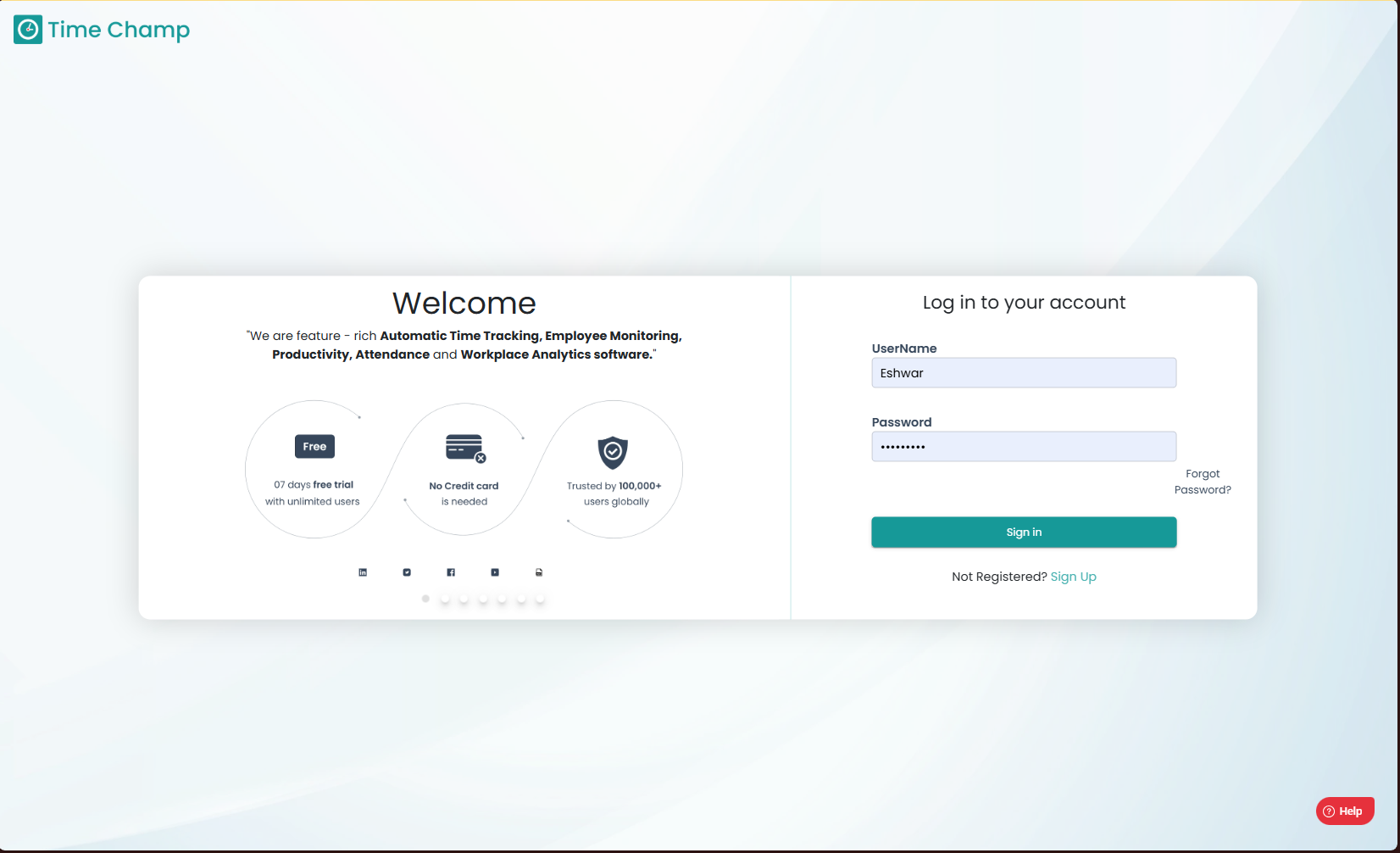
Step 1:
Log into the site utilizing your credentials.
Step 2:
Navigate to the Reports Module and then to the Time and Attendance section.
Navigate to the Reports Module and then to the Time and Attendance section.
Step 3:
After clicking on the Report, you can fill in the details as per your requirement and click on export to download the report.
Step 4:
Sample Report:
Sample Report:
Related Articles
How to access and download Monthly TimeSheet?
Follow the steps to access and download the Monthly TimeSheet. Step 1: Log into the site utilizing your credentials. Step 2: Navigate to the Reports Module and then to the Time and Attendance section. Step 3: After clicking on the Report, you can ...How to access and download Attendance Chart?
Follow the steps to access and download the Attendance Chart. Step 1: Log into the site utilizing your credentials. Step 2: Navigate to the Reports Module and then to the Time and Attendance section. Step 3: After clicking on the Report, you can fill ...How to access and download Late Employees Report?
Follow the steps to access and download the Late Employees Report. Step 1: Log into the site utilizing your credentials. Step 2: Navigate to the Reports Module and then to the Time and Attendance section. Step 3: After clicking on the Report, you can ...How to access and download Employee Shrinkage Report?
Follow the steps to access and download the Employee Shrinkage Report. Step 1: Log into the site utilizing your credentials. Step 2: Navigate to the Reports Module and then to the Time and Attendance section. Step 3: After clicking on the Report, you ...How to access and download Break Time Split Report?
Follow the steps to access and download the Break Time Split Report. Step 1: Log into the site utilizing your credentials. Step 2: Navigate to the Reports Module and then to the Time and Attendance section. Step 3: After clicking on the Report, you ...